
There are two methods to use for changing or resetting your password. Remote and office workers can use the self-servce password reset option at: https://passwordreset.microsoftonline.com/
Or office workers can change their password on their workstation (remote workers can do the same over VPN).
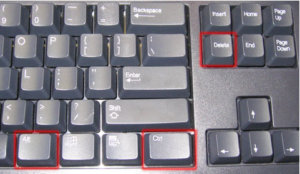
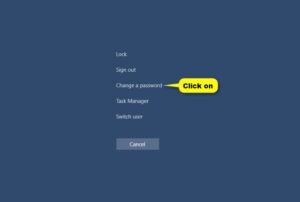
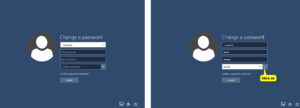
3. Enter your current password into the Old password field. Enter a new password into the New password field and then confirm your new password in the Confirm password field ***See NOTE below. Click on the Blue arrow to confirm your change.
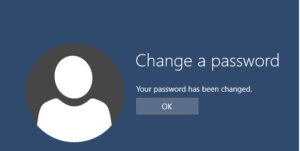
***NOTE:Several rules must be followed when selecting a password: